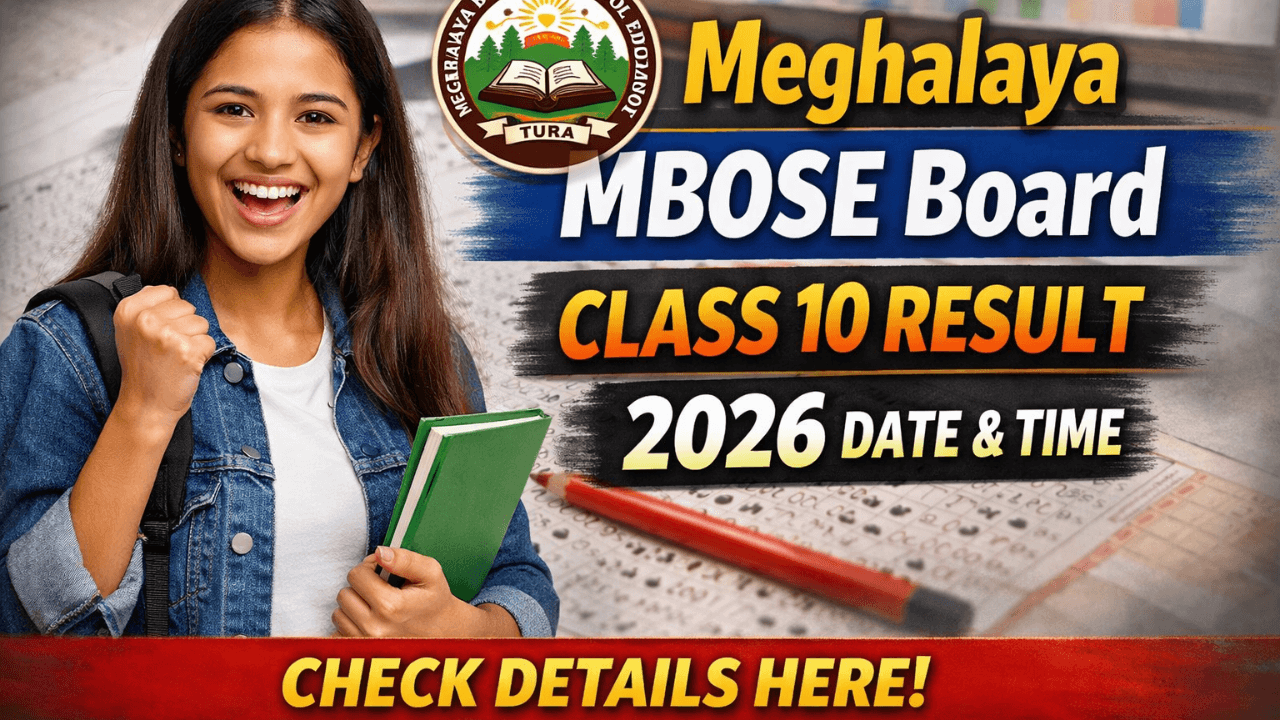
Looking for the MBOSE SSLC Result 2026? The Meghalaya Board Class 10 results will be declared on April 7, 2026, at 11 AM. Check your marksheet online at mbose.in and megresults.nic.in using these simple steps.
MBOSE SSLC Result 2026: Meghalaya Board Class 10 Result Date, Time, and How to Download
The long wait for thousands of students in Meghalaya is almost over. The Meghalaya Board of School Education (MBOSE) has officially confirmed the release date and time for the MBOSE SSLC Result 2026.
Whether you are a student, a parent, or an educator, staying updated with the official timeline and the correct websites is crucial to avoid last-minute stress. In this guide, we’ve put together everything you need to know about the upcoming Meghalaya Board Class 10 results.
MBOSE SSLC Result 2026: Key Highlights
| Particulars | Details |
| Board Name | Meghalaya Board of School Education (MBOSE) |
| Exam Name | Secondary School Leaving Certificate (SSLC) / Class 10 |
| Exam Dates | January 30 to February 11, 2026 |
| Result Date | April 7, 2026 |
| Result Time | 11:00 AM |
| Official Websites | mbose.in, megresults.nic.in |
When will the MBOSE Class 10 Result 2026 be Released?
According to the official press note issued from the Tura headquarters, the Meghalaya SSLC Result 2026 will be declared on Tuesday, April 7, 2026, at 11:00 AM.
It is important to note that the board will not display any results physically at its offices in Tura or Shillong. All results will be accessible exclusively through online portals to ensure a streamlined and digital-first experience for students across the state.
Official Websites to Check MBOSE 10th Result
Due to the high volume of traffic, the primary website may occasionally slow down. MBOSE has authorized multiple platforms to host the results:
- mbose.in (Main Board Website)
- megresults.nic.in (Primary Result Portal)
- mboseresults.in (Alternative Result Site)
Step-by-Step Guide to Download MBOSE SSLC Marksheet 2026
Once the clock strikes 11 AM on April 7, follow these simple steps to view and download your scorecard:
- Visit the Official Portal: Go to megresults.nic.in or mbose.in.
- Locate the Link: On the homepage, find and click on the link titled “Results of Secondary School Leaving Certificate Examination 2026”.
- Enter Credentials: Carefully type in your Roll Number as mentioned on your admit card.
- Security Captcha: Complete the captcha verification shown on the screen.
- Submit and View: Click the ‘Submit’ button. Your MBOSE SSLC Result 2026 will appear on the screen.
- Download & Print: Save a digital PDF copy and take a printout for your immediate records.
Alternative Method: Check Result via SMS
If you are in an area with poor internet connectivity, you can check your marks via SMS:
- Format: MG10[Roll Number] and send it to 58888.
- Format: MBOSE10[Roll Number] and send it to 56263.
Important Details on Your Scorecard
Students are advised to cross-check the following information on their provisional marksheet:
- Candidate’s Name and Roll Number
- Subject-wise Marks and Total Marks Obtained
- Qualifying Status (Pass/Fail) and Division/Grade
Note: The online result is provisional. You must collect your original physical marksheet and certificates from your respective schools a few days after the online declaration.
What’s Next After the Results?
- Toppers List: MBOSE will release the merit list and the names of the top 20 candidates alongside the results.
- Re-evaluation: Students who are unsatisfied with their marks can apply for re-evaluation later in April 2026.
- Supplementary Exams: For those who could not clear one or more subjects, the board typically conducts supplementary exams in May 2026.
Congratulations to all the students for their hard work, and best of luck with your results!